A free course for working artists

AI for Busy Artists: Get Your Time Back to Paint

A step-by-step ChatGPT course for artists juggling family, work, and a growing art business

Sound familiar?

When Your Calendar Leaves No Room for the Easel

Your alarm goes off at 4 a.m. By 7 you have packed lunches, signed a permission slip, and sent two kids to two different schools. After work comes band practice across town, then football, then a scout meeting that runs long. Dinner lands around 8. You fall into bed at 9 and do it all again tomorrow.

Somewhere in there, you are also supposed to be an artist. Paint new work. Post on Facebook and Instagram. Answer the buyer who messaged three days ago. Update your price list. Enter the show whose deadline, you just remembered, is Friday.

Busy mother working on a laptop while her two sons eat breakfast at the kitchen table

If that sounds like your week, the problem isn’t talent and it isn’t willpower. You’re running a household, a family schedule, and a small art business at the same time, with nobody helping on the paperwork side. Painting is the one thing on the list that no one else is waiting on, so it’s always the first thing pushed aside.

Busy Artist AI Academy exists to change that math. You won’t learn to work harder. You’ll learn to hand the planning, the writing, and the remembering to an AI assistant that works on your schedule, so the time you do have goes back to the canvas.

The big idea

You Don't Need More Discipline.
You Need an Assistant.

Established artists often have someone handling their calendar, their email, and their marketing. Most working artists can’t afford to hire that person. ChatGPT can take on a surprising share of that job for about what you’d spend on a couple of lunches out each month, and it’s ready to help at 5 a.m. or from the car line. This course shows you, step by step, how to set it up and put it to work, even if you’ve never used AI before.

What you'll learn

Three Modules, One Simple System

Module 1: Get Your Week Under Control

Put every school event, practice, and appointment in one family calendar. Turn a messy brain dump into a realistic plan, find the hidden pockets of time in your week, and let ChatGPT build your meal plans, grocery lists, and carpool schedule.

Module 2: Build Your Artist AI Assistant

Create a profile that teaches ChatGPT who you are, what you make, and how you sound, and connect it to your Gmail, calendar, and Google Drive. Then use it to answer buyers, write artwork descriptions, track show deadlines, and turn one photo into a month of posts. A final test drive makes sure you can trust it.

Module 3: Get Your Art Online

Set up Facebook and Instagram the right way and photograph your work well. Then build your own WordPress website step by step: domain, hosting, a style guide, and your pages, with ChatGPT helping you write and build it. You finish with a live site that Google can find.

Each module is broken into short lessons. Most Module 1 and 2 lessons take 10 to 20 minutes. The website lessons in Module 3 take longer, and you can do them a piece at a time. Every lesson ends with one small thing to do this week, so you see a result before you move on.

Brand new to AI?

What Is ChatGPT, in Plain English?

ChatGPT is a program you talk to by typing, the same way you’d send a text message. You ask a question or describe a job, and it writes back. It can draft an email, plan a week of dinners, explain a confusing bill, or suggest ten titles for a painting you just finished.

It runs in your web browser or in an app on your phone. There’s nothing complicated to install and no code to learn. If you can send a text, you can use ChatGPT.

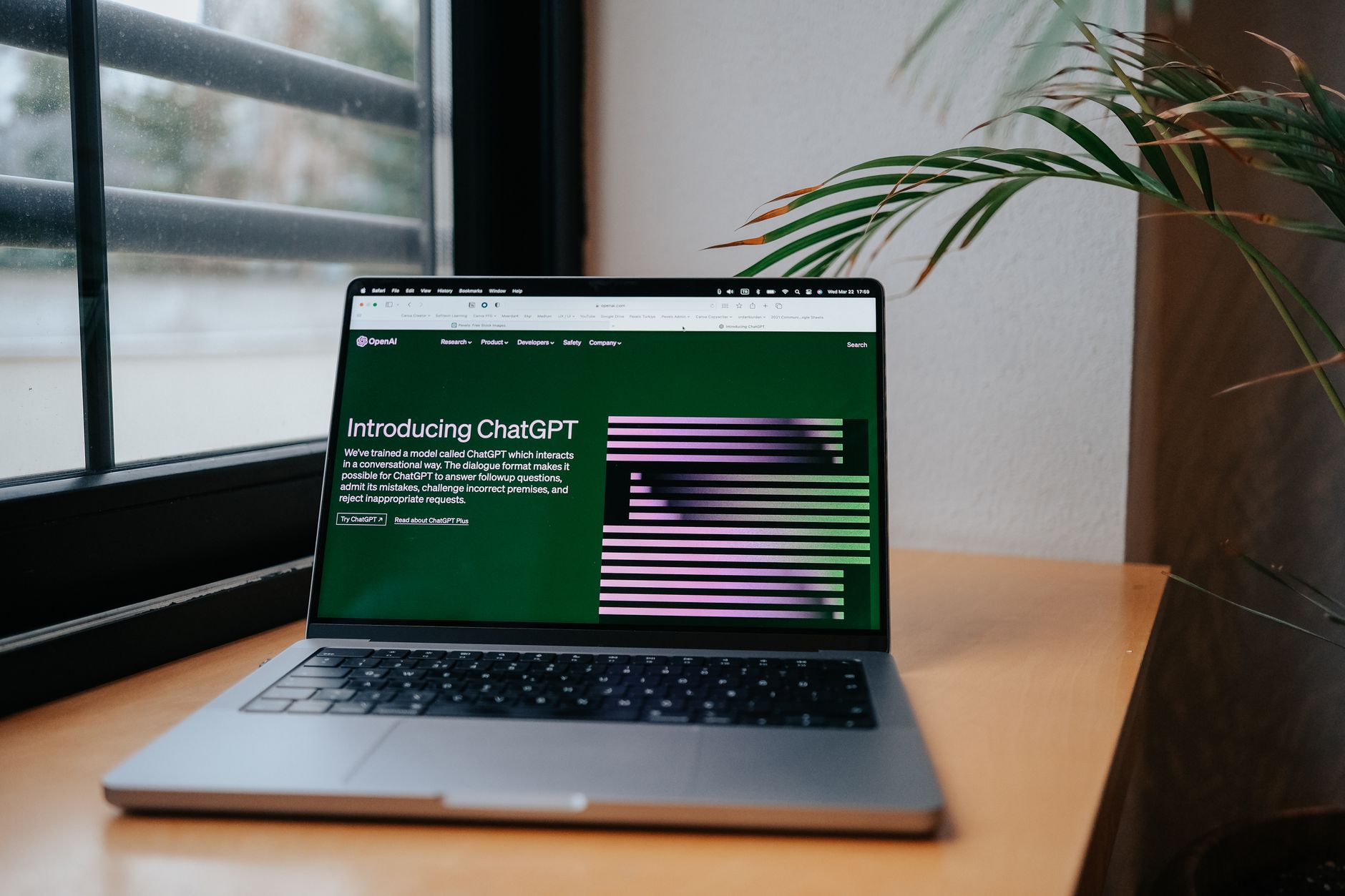
Laptop on a home desk with ChatGPT open on the screen

Think of It as a Fast, Well-Read Intern

An intern can save you hours, but only if you explain the job clearly and check the work before it goes out. ChatGPT is the same. It doesn’t know your kids’ schedules, your prices, or your painting style until you tell it. That’s why the course has you build a personal profile: a single page of facts about you that you give ChatGPT once, so every answer after that fits your real life.

It also makes mistakes. It can sound completely sure of itself and still be wrong, especially about dates, prices, and facts it can’t check. Throughout the course you’ll practice one simple habit: let AI write the first draft, and you make the final call.

$20
a month for ChatGPT Plus

Why We Recommend ChatGPT Plus

ChatGPT has a free version, and it’s a fine place to try things out. For the full system in this course, we recommend the Plus plan. It gives you much more room to work each day, stronger thinking options, and fuller use of features like Projects and memory, which keep your profile and past conversations together so you don’t have to re-explain your life every time you open the app. It also lets your assistant connect to Gmail, Google Calendar, and Google Drive, which the free plan doesn’t.

Weigh that against the hours it can hand back each week, and for most working artists it earns its keep quickly. Prices and plan features change from time to time, so the setup lesson shows you exactly what to look for when you sign up.

Real jobs, real time back

What Your AI Assistant Can Take Off Your Plate

These are the everyday jobs you’ll learn to hand to ChatGPT:

Artist in her studio checking her smartphone, surrounded by colorful paintings

None of these jobs is hard. Each one just eats 15 or 20 minutes you don’t have. Handed to an assistant, most of them shrink to a few minutes of reading, adjusting, and approving. Add that up across a week and you’ve found a painting session you didn’t know you had.

Step by step

How the Course Works

1

Sign Up for ChatGPT

A short lesson walks you through creating your account on your phone or computer, one screen at a time.

2

Build Your Profile

Answer a short interview in ChatGPT about your art, your prices, and your voice. It turns your answers into a one-page profile your assistant uses every day.

3

Take One Short Lesson

Each lesson covers one job, with a ready-made prompt you copy, paste, and fill in with your own details.

4

Use It This Week

Every lesson ends with one small action, so you put it to work in your real week before moving on.

Every prompt in the course comes ready to use. Fill in the boxes with your own details, tap Copy Prompt, then tap Open ChatGPT and paste. You never have to write a prompt from scratch unless you want to.

Straight talk

What AI Won't Do for You

It won't paint for you

Your art stays yours. Everything in this course is about the work around your art, never the art itself.

It won't send anything on its own

You read and approve every email, reply, and post before it goes anywhere. You stay in charge.

It isn't always right

AI can be wrong about dates, prices, and facts. You'll learn quick ways to double-check what matters.

It doesn't need your private details

Account numbers, passwords, and your home address stay out of it. You'll learn what to share and what to leave out.

Used this way, AI is a helper that gives you time, not a shortcut that takes over your work.

Questions

Frequently Asked Questions About Learning AI

Do I need to be good with computers?

No. The course assumes you’ve never used AI and explains every step, including where to tap and what you should see on your screen. If you can send a text message and open a website, you have the skills you need.

Do I have to pay for ChatGPT?

The course itself is free. ChatGPT is separate: you can start with its free version to get comfortable. For the full system we recommend ChatGPT Plus, about $20 a month in the US. It gives you more daily use, keeps your profile and projects organized in one place, and lets your assistant connect to Gmail, Google Calendar, and Google Drive.

Will AI make my art for me?

No, and this course doesn’t teach that. Everything here is about the work around your art: scheduling, writing, organizing, and marketing. The painting stays in your hands.

Is my personal information safe?

You decide what to share. The course shows you how to write your profile without sensitive details like account numbers or your home address, and where to find the privacy settings in ChatGPT so you can choose how your conversations are used.

How long does each lesson take?

Most lessons in Modules 1 and 2 take 10 to 20 minutes, and they work fine on a phone, even while you wait at school pickup or practice. The website lessons in Module 3 take longer and are easier on a computer. You can do them a piece at a time.

Do I need a website already?

No. Module 3 starts from zero. It explains what a domain name and hosting are, walks you through setting up WordPress, and shows you how to use ChatGPT to write and build your pages. The last lesson takes you through launching the site and getting it in front of Google.

Your Next Painting Is Waiting

Begin with the short Start Here lessons, then move into Module 1 and win back your first hour this week. Everything you need is laid out for you, one short step at a time.