Start Here•3 lessons•About 18 minutes in all

Before ChatGPT can help with your calendar, your emails, or your art business, you need an account and a little confidence using it. That’s all this module does, and it takes about 30 minutes in total. You can split it across three short sittings.
You’ll create your account, choose the plan that fits your budget, learn what every button on the ChatGPT screen does, and pick up a few simple habits that keep your information safe. By the end, you’ll have had your first real conversation with ChatGPT about your own week.
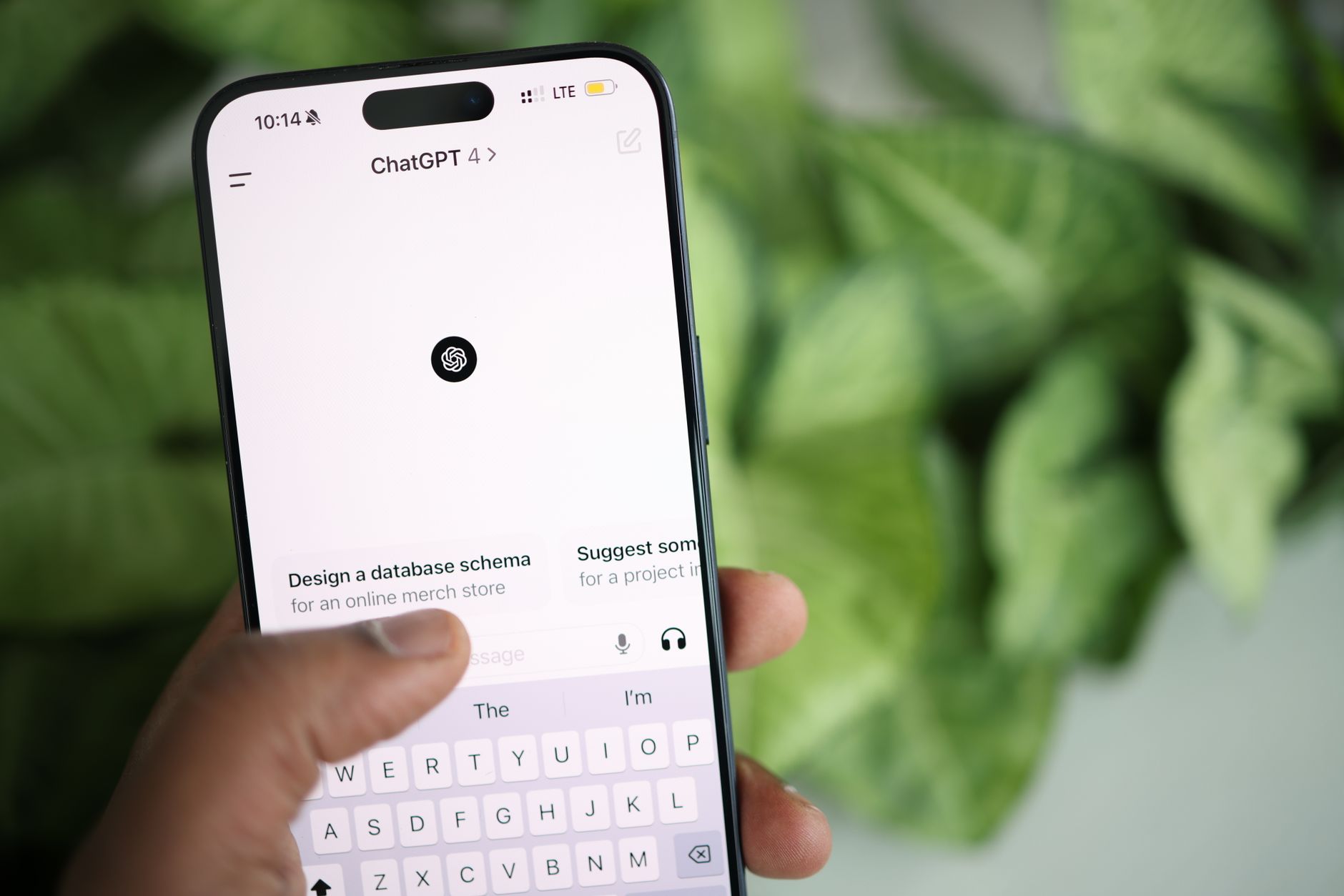
If you’ve already used ChatGPT, don’t skip ahead just yet. Lesson 3 covers what to keep out of your conversations and how to check ChatGPT’s work, and every later lesson builds on those habits.
Take them in order. A checkmark appears next to each lesson you mark complete, so you can always see where you left off.
ChatGPT emails you a six-digit code to confirm your account.
Some accounts are asked for a text-message code, and the app is handy on the go.
Each lesson is short. Stop after any one and pick up later.
The free plan needs no payment. You decide about a paid plan in Lesson 1.