Module 1: Get Your Week Under ControlLesson 4 of 5

Meal Plans and Grocery Lists on Autopilot

Stop deciding what's for dinner at 6 pm. Let ChatGPT plan a week of realistic meals around your practice nights and build the grocery list for you.

In this lesson

What You'll Learn

Why It Matters

“What’s for dinner?” is asked every single day, usually at the worst moment. When there’s no plan, dinner ends up late, or it ends up being drive-through on the way home from practice. Then it’s 8 pm before you eat, and your evening is gone.

Planning a week of meals takes real brain power: who eats what, which nights are crazy, what’s already in the pantry. ChatGPT is very good at juggling all of that at once. You spend ten minutes on Sunday and skip the daily scramble.

Step 1

Tell ChatGPT How Your Family Eats

Before ChatGPT can plan meals, it needs to know your household. Think about:

  • Who’s eating: how many people and their ages
  • Likes and hard no’s: the picky eater, the foods nobody will touch
  • Food needs: allergies, vegetarian nights, anything the doctor has asked for
  • Your kitchen style: slow cooker, sheet pan, air fryer, or “I have 20 minutes”
  • Budget: a rough weekly grocery amount
  • Your store: where you usually shop

You only type this once. Keep the chat and reuse it every week.

Always double-check allergies yourself. ChatGPT can make mistakes with ingredients, so read the recipes before you cook for someone with a serious allergy.
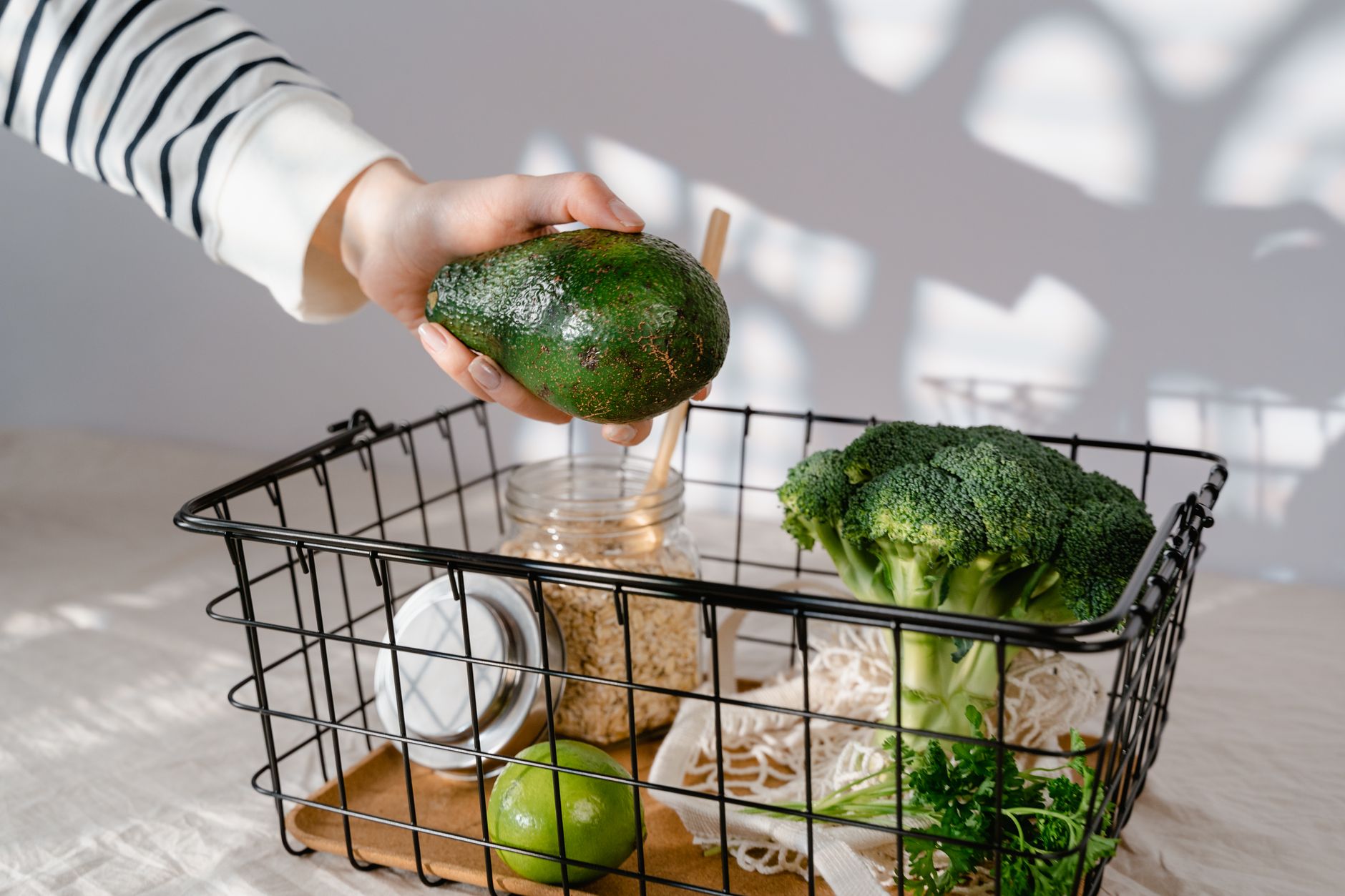
Grocery basket with avocado, broccoli and oats
Copy-ready prompt

My Family Food Profile

Fill in the blanks, then paste this into a new chat. Rename the chat Meal Planning so you can find it every week.

Step 1: Fill in the blanks
Step 2: Check your finished prompt
Hi, I'm [Your first name]. I'd like help planning family dinners every week. Please remember these details for this chat: - Who's eating: [Who eats dinner, like 2 adults and kids ages 9 and 13] - Favorites: [Meals your family loves] - Won't eat: [Foods to avoid] - Allergies or food needs: [Allergies or special diets, or none] - How I like to cook: [Your cooking style, like slow cooker and sheet pan] - Weekly grocery budget: about [Your weekly grocery budget] - Where I shop: [Your grocery store] Just confirm you've got it and ask me up to 3 questions if something is unclear. Don't plan meals yet.
Step 3: Copy it and paste it into ChatGPT
Open ChatGPT (opens in a new tab)

Your answers are saved on this device only, so you do not have to retype them in later lessons.

Step 2

Plan Around Your Busy Nights

The secret to a meal plan that works is matching the meal to the night. Give each night a type before you pick recipes.

Crazy Nights

Practice, band, scouts. Slow cooker meals that are ready when you walk in, or a 15-minute dinner.

Normal Nights

A regular 30- to 40-minute dinner. Sheet pan meals, tacos, pasta, stir fry.

Leftover Nights

Cook double earlier in the week and plan the leftovers on purpose. One less dinner to make.

Tell ChatGPT which of your days are crazy. It will put the easiest meals on those nights and save anything that takes longer for calmer evenings.

Copy-ready prompt

Plan This Week's Dinners

Use this in your Meal Planning chat.

Step 1: Fill in the blanks
Step 2: Check your finished prompt
Please plan dinners for this week. My busiest days are [Your busiest days]. On those nights we eat around [What time you eat on busy nights]. Already in my pantry or freezer: [Food you already have] Nights we're eating out or skipping: [Nights with no cooking, or none] Rules: - Crazy nights get slow cooker or 15-minute meals - Plan at least one leftover night - Reuse ingredients across meals so nothing goes to waste - Stay near my budget Show a simple list: day, meal, and cook time. Keep recipes short. I'll ask for full recipes if I need them.
Step 3: Copy it and paste it into ChatGPT
Open ChatGPT (opens in a new tab)

Your answers are saved on this device only, so you do not have to retype them in later lessons.

Step 3

One Grocery List, Sorted by Aisle

Once you like the plan, ChatGPT can build the shopping list. A list sorted by store section saves you from crossing the store four times.

Getting the List Into Your Store

Copy the finished list and paste it into your phone’s notes app, or send it to whoever is shopping. Many store apps, like H-E-B, Walmart, and Kroger, let you type or paste items into a shopping list for pickup or delivery.

On a phone, press and hold ChatGPT’s answer, or tap the copy icon under it, to copy the whole list.

Small Habits That Help

Copy-ready prompt

Build My Grocery List

Use this right after you approve the dinner plan.

Step 1: Fill in the blanks
Step 2: Check your finished prompt
Great, now make my grocery list for this plan. Sort it by store section: produce, meat, dairy, bakery, frozen, pantry, and other. Include amounts. Leave out anything I said I already have. At the end, add a short list of breakfast and lunch basics we usually need: [Breakfast and lunch basics, like cereal and sandwich bread]
Step 3: Copy it and paste it into ChatGPT
Open ChatGPT (opens in a new tab)

Your answers are saved on this device only, so you do not have to retype them in later lessons.

Copy-ready prompt

Make Double and Freeze

Optional. Use this to build a small stash for crazy weeks.

Which 2 meals from this week's plan freeze well? For each one, tell me how much extra to buy, how to store it, and how to reheat it on a busy night. Add the extra amounts to my grocery list.

Next week in five minutes

Save Your Winning Weeks

After a few weeks, you’ll have plans your family liked. Keep them and reuse them.

When a week goes well, ask ChatGPT to save it as a named plan in the chat, like Week A. After you have three or four, you can simply rotate them: Give me Week B again, but swap Tuesday for something new. Planning drops from ten minutes to two.

In Module 2 you will connect ChatGPT to Google Drive and keep your favorite meal plans in a Google Doc, so they’re always easy to find.

Copy-ready prompt

Save and Rotate My Plans

Use this at the end of a good week.

Step 1: Fill in the blanks
Step 2: Check your finished prompt
This week's plan worked well. Please label it Week [A letter, like A or B] and show it once more in a short list I can copy and save. Next time I ask for Week [A letter, like A or B], reuse it and suggest one new meal to swap in so we don't get bored.
Step 3: Copy it and paste it into ChatGPT
Open ChatGPT (opens in a new tab)

Your answers are saved on this device only, so you do not have to retype them in later lessons.

Check your work

What You Should See

After the Plan This Week’s Dinners prompt, you should see something like this:

Monday: Sheet pan chicken and veggies (35 min)
Tuesday (band): Slow cooker chili, ready at 7 pm
Wednesday: Chili leftovers with baked potatoes (10 min)
Thursday (football): Breakfast tacos (15 min)
Friday: Homemade pizza night (30 min)

If the busy nights have the easiest meals, the plan is working.

Quick fixes

If Something Looks Different

  • The meals are too fancy. Reply: Simpler please. Nothing with more than 6 ingredients.
  • It forgot a food rule. Remind it: No mushrooms, remember? It will fix the plan.
  • The list is missing amounts. Ask: Add amounts for a family of four.
  • It’s over budget. Reply: Bring this closer to my budget. Use cheaper proteins twice this week.
  • You can’t find last week’s chat. Use Search chats in the sidebar and type Meal Planning.
Your action this week

Plan One Week of Dinners

Set up your food profile, plan this week’s dinners, and build the grocery list. Pick one quiet time, like Sunday afternoon, to do it each week.

Your progress is saved on this device. Sign in to keep it on every device.